
PIXSOFFICE · PHOTOGRAPHER GALLERIES
Album proofing software for photographers.
Give clients a clear way to review an album before it moves into production. Share the design, collect comments on spreads, organise revisions and confirm the version the client has approved.

Review wedding album designs online
Once the photographs have been chosen, the next decision is how they work together in the album. Online wedding album proofing lets the couple review the layout, sequencing and image placement without relying on scattered screenshots.
Keep album comments connected to the spread
Ask clients to describe the change on the relevant spread. Comments, voice feedback and annotations give designers more context about image swaps, crops or layout preferences. Review conflicting requests before preparing another version.

Manage album revisions and client approvals
A new proof should be easy to distinguish from an earlier design. Version history helps the studio and client follow the review process. Request a clear final approval and confirm which version should proceed to production.
Connect selection, design review and fulfilment
Photo selection decides which images are available for the design. Album proofing reviews the finished layout. Printing and fulfilment follow after approval; keep these stages distinct so the team does not treat an image shortlist as permission to print.

More ways to review every detail
Photo comments & voice notes
Collect written feedback and voice notes alongside the photographs clients are reviewing.

Photo annotation & markup
Draw, circle, highlight and add arrows to explain image edits and layout requests.
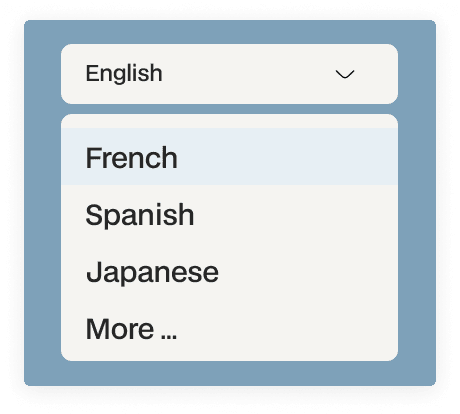
Multi-language client gallery
Let clients browse and interact with the gallery in their preferred language.
How the workflow works
01 · Share the album proof
Send the client the design that is ready for review.
02 · Collect spread-level feedback
Review comments and annotations in their design context.
03 · Prepare the next version
Resolve feedback and share a clearly identified revision.
04 · Confirm the approved design
Review the final approval before production begins.
Common questions
Is album proofing different from wedding photo selection?
Yes. Selection creates the image shortlist. Album proofing reviews the layout, spreads and design made from those photographs.
Can clients comment on album spreads?
Yes. The album review workflow includes comments and visual feedback to explain revision requests.
Does proofing mean the album has been printed?
No. Proofing and approval happen before the separate printing and fulfilment stage.
Continue your gallery workflow
Give every client a clear next step.
Connect photo selection, album feedback and final delivery in a gallery experience built for photographers.
