
AI photo sharing for events.
Help guests find the photos they are in without scrolling through the whole event gallery. PixsOffice uses AI face recognition and selfie search to support photo discovery at weddings, corporate events, sports, school celebrations and parties.

Choose your event photo-sharing workflow
Weddings and celebrations
Give wedding guests a way to discover their own photos across the celebration.
Corporate events and conferences
Plan attendee photo discovery for conferences, company celebrations and brand events.

Sports events
Help participants look for matching photographs in the event collection.

School events and graduations
Plan access and participant photo discovery with the institution’s approval process.

Parties and social events
Share a photo destination with guests at birthdays, reunions and celebrations.

AI sharing features
Understand selfie search, QR code entry and event gallery access before you launch.
Find event photos with a selfie
A guest opens the event’s sharing link and supplies a clear selfie to search for matching faces. AI photo discovery helps narrow the collection to relevant photographs.
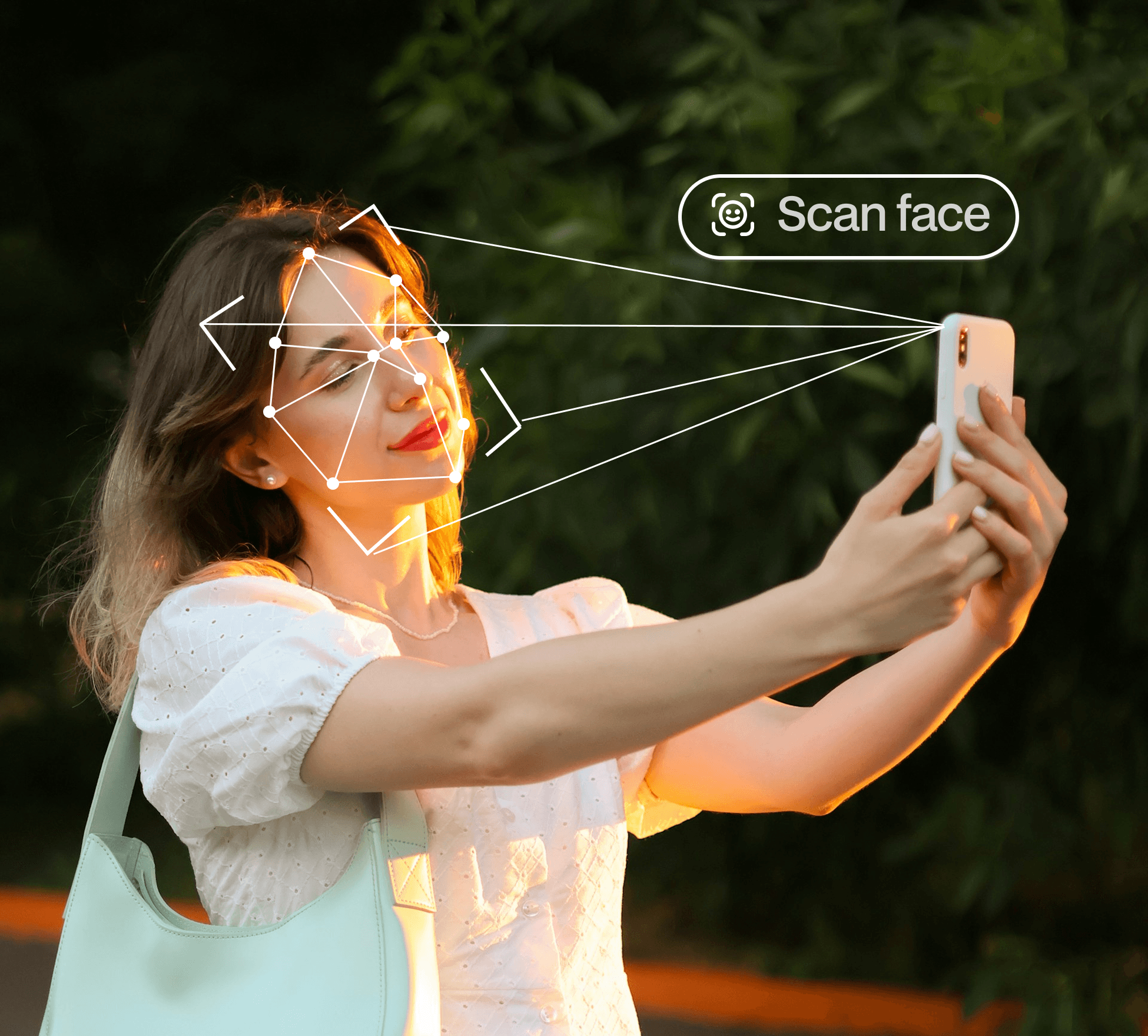
From matching photos to guest downloads
Guests can review the matches and use the viewing or download options available for that gallery. Results depend on the photographs uploaded and the quality of the selfie.

AI face recognition for event photo discovery
At a busy event, guests may appear across photographs from different times and photographers. A selfie-based search offers another route into the collection. It helps visitors look for their own images; it does not replace the photographer’s editing or the organiser’s access decisions.
A clear entry point for attendees
Give guests an event gallery link or a QR code that leads to it. Explain when photographs will be available, what the selfie is used for and who to contact for help. The QR code opens the gallery; AI performs the matching step after a guest starts a search.
Different events need different sharing decisions
A public celebration, an internal company event and a school graduation have different audiences. Plan the collection, access and communication with the organiser before sharing. Match the guest workflow to the event rather than assuming one setting fits every occasion.
How the workflow works
01 · Prepare the event gallery
Upload the event photographs and review how guests should access the collection.
02 · Share the gallery entry point
Provide the event link or a QR code that points guests to the gallery.
03 · Let guests start a selfie search
Guests supply a clear selfie to look for matching photographs.
04 · Review and download available photos
Guests review results and use the gallery permissions you have enabled.
Common questions
How do guests find event photos using a selfie?
Guests open the event gallery and submit a selfie for face matching. They can review photographs the system identifies as potential matches.
Does AI find every photo of every guest?
No matching system should be treated as a guarantee. Lighting, pose, face visibility, selfie quality and the photos actually uploaded can affect results.
Is AI event photo sharing the same as client photo selection?
No. Event sharing helps guests discover their photos. Client photo selection is a review and approval workflow between a photographer and a client.
Continue your gallery workflow
Make event photos easier to find.
Explore AI photo discovery and plan the right guest-sharing workflow for your event.
Compare options for your event photo workflow
Explore focused alternative guides, then return to the feature pages to check the workflow that matters to your team.
