
Find event photos with AI face recognition and selfie search.
Give guests another way to search a large event collection. A clear selfie helps PixsOffice look for matching faces in the uploaded photographs, so guests can review a more relevant set of images.
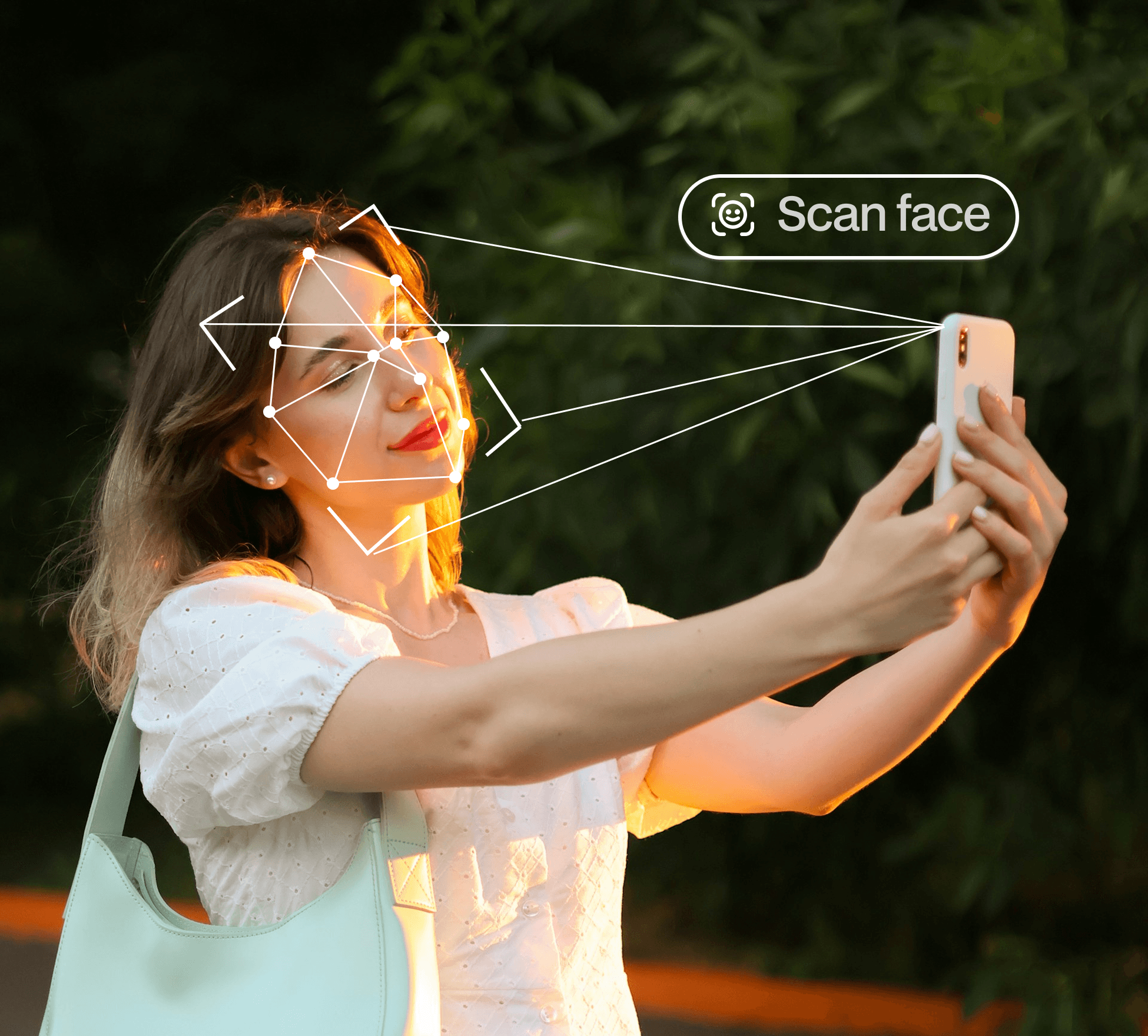
Review possible matches in the event gallery
A result is useful when the guest can recognise and review it. Matching quality can vary with lighting, pose, face visibility and the photographs in the collection.

How selfie-based event photo discovery works
A guest opens the shared event gallery and supplies a selfie. The matching process looks for faces in the event collection that may correspond to it. The guest then reviews the returned photographs and uses the options available in the gallery.
Use a clear selfie and a well prepared collection
A visible face with suitable lighting gives the matching process a better starting point. The gallery also needs to contain the relevant photographs. Images with faces obscured, very small or turned away can be harder to match.
Keep expectations about AI photo matching realistic
Do not promise that every photograph will be found or that every returned match will be correct. Guests should review results, and the event team should provide a contact route when someone needs help finding a photograph.
Explain the guest workflow before asking for a selfie
Tell attendees what the search is for and point them to the information applicable to the event. The organiser should review the gallery’s audience and sharing setup before distributing the link.
Common questions
Can guests find wedding photos by uploading a selfie?
The AI guest-sharing workflow supports selfie-based face matching in the uploaded wedding collection. Guests should review the results.
Does AI face recognition replace photo editing or culling?
No. It is a discovery tool for finding possible matching faces, separate from creative editing or choosing which photographs to publish.
Why might a photograph not appear in the results?
The relevant photo may not have been uploaded, or pose, visibility, lighting and selfie quality may affect matching.
Continue your gallery workflow
Make event photos easier to find.
Explore AI photo discovery and plan the right guest-sharing workflow for your event.
