
AI photo-sharing features for event guests.
Build a clear path from the event invitation to the photographs a guest wants to find. Explore AI selfie search, gallery entry and access planning as separate parts of the guest experience.

Understand each part of the guest journey
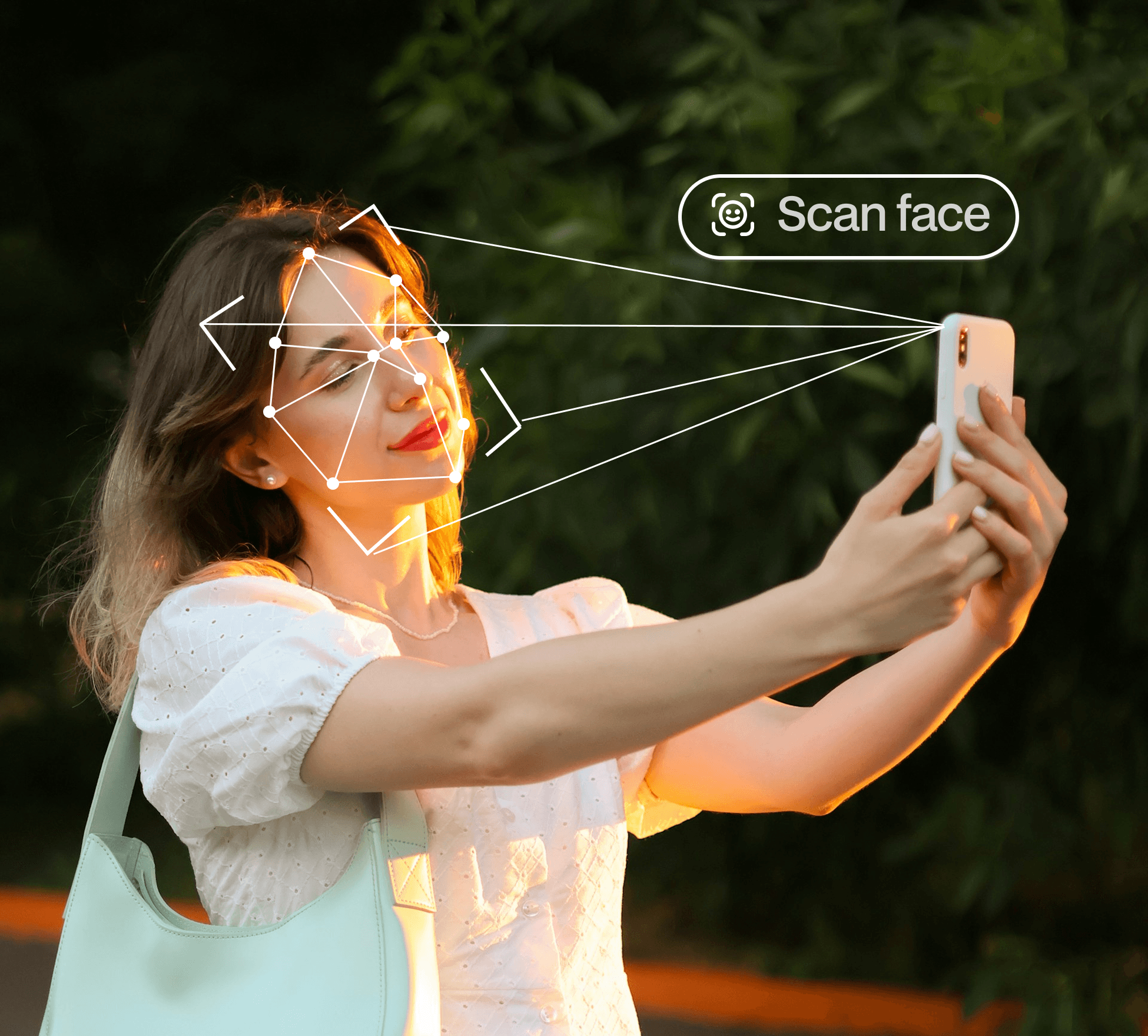
Face recognition and selfie search
Help a guest look for matching photographs in the event collection.

QR code photo sharing
Use a scannable entry point to open the event gallery.

Gallery access and downloads
Plan the audience, instructions and available actions before sharing.

Event workflows
Choose guidance for weddings, company events, sports, schools and celebrations.
Separate entry, discovery and download
The event link or QR code gets the guest to the gallery. A selfie search helps identify possible matching photos. Viewing and downloading depend on the collection and settings made available. Explaining these steps makes the experience easier to follow.
Prepare the event collection for the intended audience
Review the photographs before publication, decide who the gallery is for and give guests a clear availability message. Keep the organiser’s sharing decisions connected to the communication sent to attendees.
Use a different workflow for client approvals
A guest looking for a photograph is not approving the photographer’s final deliverables. Use the photographer gallery section for client selection, album proofing and final photo delivery.
Common questions
Does a QR code perform face recognition?
No. The QR code opens a destination such as the event gallery. Face matching happens when the guest starts the selfie search.
Can I use the same approach for every event?
The core discovery steps may be similar, but the audience, communication and access decisions should fit the event.
Continue your gallery workflow
Make event photos easier to find.
Explore AI photo discovery and plan the right guest-sharing workflow for your event.
